

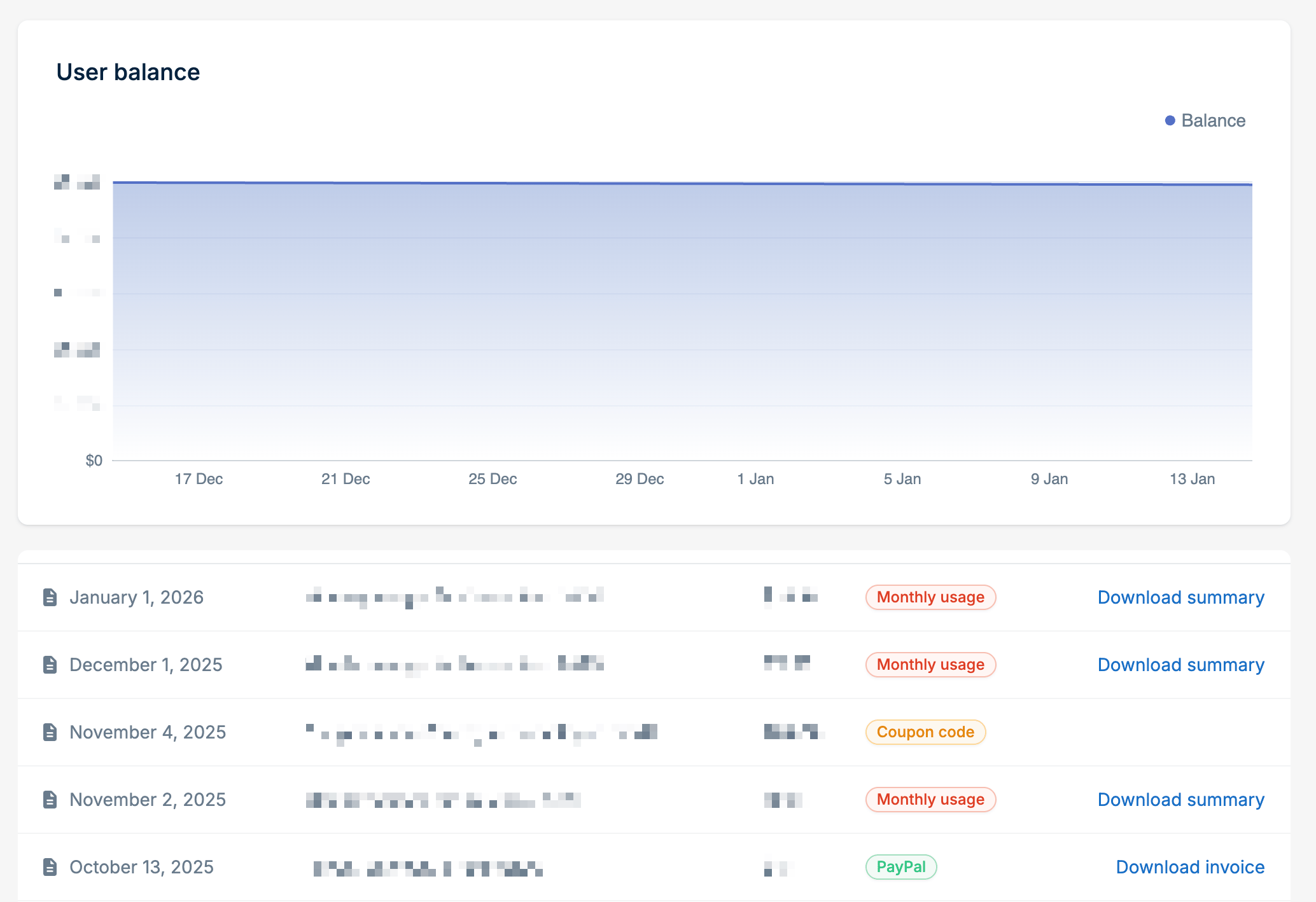
What you’ll see
The billing history displays:- Date of the transaction
- Description of the charge or credit
- Amount
- Type (Monthly usage, PayPal, Coupon code, etc.)
Receipts and invoices
bunny.net issues two kinds of billing documents:- Receipts confirm a payment. You get a receipt each time you add funds, either manually or through Auto-Recharge.
- Invoices are issued once a month and cover the previous month’s usage. Tax is charged on usage, not on the funds you add, so any VAT or sales tax appears on your monthly invoice. See Taxation.
Adding funds does not create an invoice. For your accounting records, use the
monthly invoice for the month in which the usage happened.
Downloading receipts
For payment entries, click Download receipt to get a PDF receipt. We also email the receipt to you after each payment.Downloading monthly invoices
At the start of each month, we issue an invoice for the previous month’s usage and email it to you. To download it, click Download invoice on the monthly usage entry for that month. No invoice is issued for a month with no charges.Downloading usage summaries
For monthly usage entries, click Download summary to get a detailed breakdown of your charges for that period. The usage summary includes:- Your billing details
- Starting and ending balance
- Total activity, credits, payments, and refunds
- Itemized usage by service (traffic by region, storage, scripting, etc.)
Usage summaries are not invoices. They are a detailed breakdown of billing
activity for the stated period.